Platform · MEP
40 rules. 40 YAML entries. Zero Rust files.
MEP runs Trigger → Condition → Action policies on the device. Author in a visual editor, export as YAML, hot-reload without reflash. Device automation without a Rust developer in the loop.
State-machine policies for the product owner. T·C·A primitives for the engineer. One YAML file, two readings.
Policy model
Trigger → Condition → Action. Nothing more.
Each rule has exactly three parts. There is no execution model beyond this construct.
Trigger
What starts the rule
- ·
on_change— DB key change - ·
on_event— named event from any micro service - ·
on_schedule— delay, periodic, or cron (UTC-only)
Condition
Optional gate
Expression evaluated against DB state and event payload. Type-checked before deployment — errors surface in CI, not on-device.
Action
What executes
- ·
set— write a DB key - ·
emit— publish an event - ·
call_interface— call any MOS4 micro service - ·
schedule— trigger another rule
YAML is the deployment artefact
No Rust. No firmware rebuild. No reflash.
A device automation rule lives in a .yaml file. Changing it is editing YAML and pushing the updated policy — via OTA or a direct service call. Hot reload drains in-flight rules and atomically swaps the policy graph.
Policy declares dependencies
Each policy file carries a requires: list with semver ranges. The engine validates
the constraint at policy load time — not at runtime on first call. Optional dependencies degrade
gracefully.
Parallel execution with conflict detection
Multiple rules matching in the same cycle execute in parallel via a bounded worker pool. When two rules write the same DB key, MEP detects it and discards the lower-priority write — no silent data corruption.
Fleet-wide audit
Query any device for loaded policy names, versions, and rule counts — auditable without SSH access.
Authoring surface
A node-based editor that exports YAML.

requires: micro service list from the
nodes used in the graph.
MEP is one of four visual authoring engines in MOS4's no-code layer, alongside the signal graph editor, AI pipeline builder, and multi-stack configuration view.
Two views, one file
State machine for the product owner. T·C·A for the engineer.
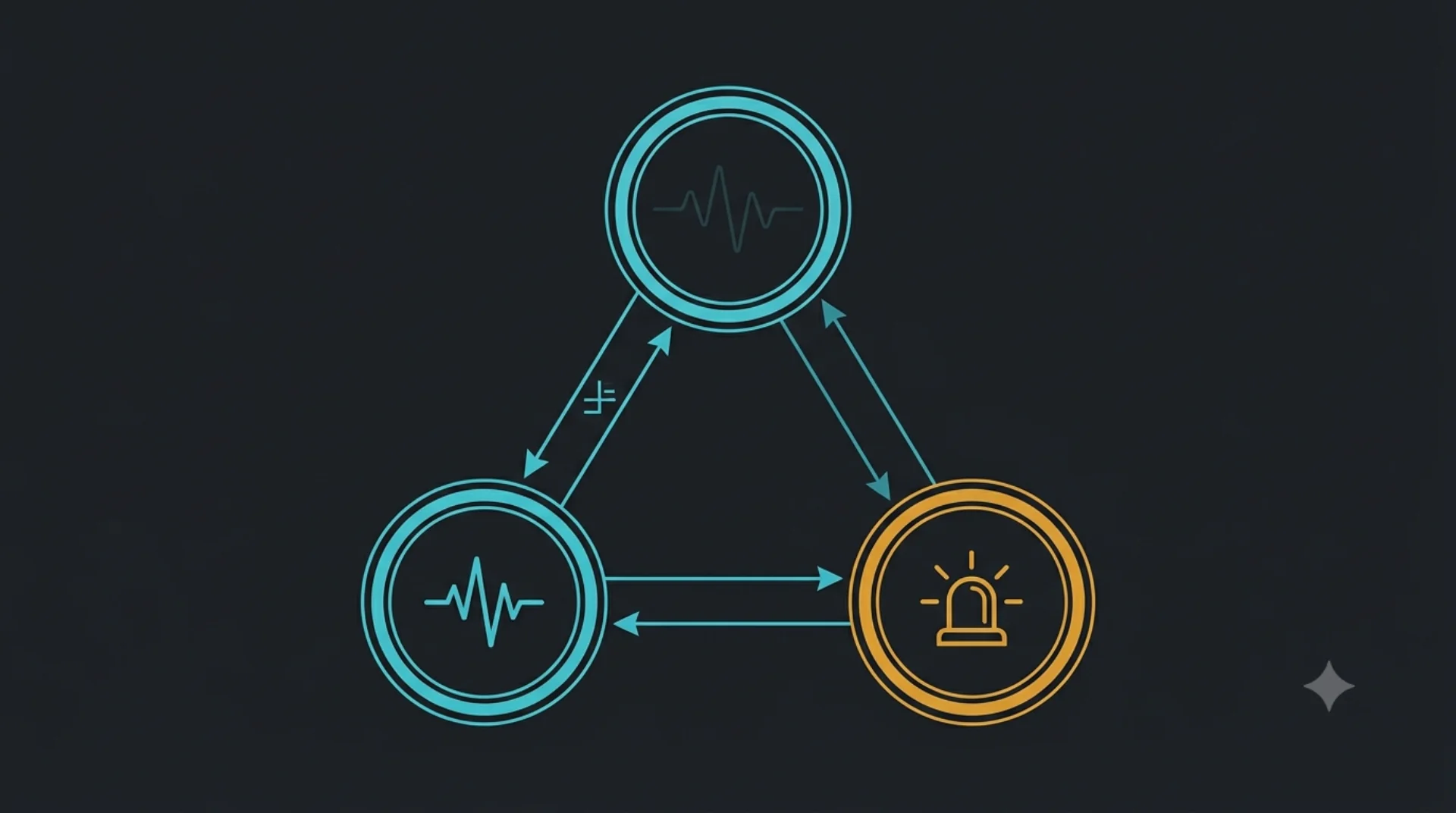
The same geofence policy reads as a three-state machine in the designer and as three T·C·A YAML rules in the engineering view. The YAML file is the state machine — there is no separate runtime.
Product view — state diagram
Three states: outside the polygon, approaching the boundary, inside. The product owner reads the diagram; the device runs the policy.
Geofence state machine — three states (outside, approaching, inside) with transitions on enter, near, and exit events. The same diagram is generated from the YAML below.
stateDiagram-v2
  [*] --> outside
  outside --> approaching: near
  approaching --> inside: enter
  approaching --> outside: exit
  inside --> approaching: near
  inside --> outside: exit
Engineer view — three T·C·A rules
The same policy as three YAML rules. Each transition is one Trigger / Condition / Action triple. The composed rule set is the state machine above.
rules:
  - name: enter_geofence
    on_event: geofence.near
    when: state == "approaching"
    do:
      - set: { state: "inside" }
      - emit: geofence.entered

  - name: leave_geofence
    on_event: geofence.exit
    do:
      - set: { state: "outside" }
      - emit: geofence.left

  - name: approach_geofence
    on_change: distance_m
    when: distance_m < 50 and state == "outside"
    do:
      - set: { state: "approaching" }
The visual designer renders the state diagram from the YAML; the YAML stays the deployment artefact. Adding a state is adding a rule — the diagram updates automatically.
Pre-deployment validation
Errors in CI, not on device.
| Check | What it catches | When it runs |
|---|---|---|
| Undefined DB keys | Key typos and missing declarations | CI / pre-deploy |
| Missing requires: declarations | Micro service dependency gaps | CI / pre-deploy |
| Cyclic rule graphs | Infinite trigger loops | CI / pre-deploy |
| Unreachable conditions | Dead rule branches | CI / pre-deploy |
| Expression type errors | Type mismatches in conditions/actions | CI / pre-deploy |
A standalone scenario runner replays YAML files off-target in CI pipelines. A policy-engine test double allows full policy evaluation testing without a MOS4 stack on hardware.
Example rules
What integrators ship.
Geofence entry and exit
Trigger a cloud event and a buzzer when a vehicle crosses a polygon — written once, deployed across the fleet.
Harsh-brake detection
Listen for an MSP-derived deceleration signal; if a 1.5-second window matches, raise an event with a 5-second pre-roll.
Ignition-off idling
Periodic check on RPM and ignition state; on N-minute violation, dim the dash and open a maintenance ticket.
Deployment coverage
MEP ships across all six deployment scenarios.
State-machine and LED-control policies are among the highest-coverage capabilities in the MOS4 feature matrix — available from lightweight dongle form-factors to compute-class gateway platforms.
IOT Hub
Trigger-action policies route sensor events to cloud endpoints and control device outputs — no per-rule glue code required.
Agriculture
Rules-based event processing coordinates field machinery state: geofence zones, implement attach/detach, and scheduling windows.
Dashcam
Harsh-event policies trigger clip bookmarking and cloud upload; LED patterns confirm recording state to the driver.
Dongle OBD
Lightweight trigger-action rules react to OBD signals — idle detection, DTC presence, ignition-off sequences — within a constrained footprint.
C4Max
Multi-stack composition policies orchestrate data routing across vehicle domains; MEP drives event-driven sequences between signal layers.
Ekko Drive
Driver-behaviour policies evaluate MSP-derived signals and emit scored events; cron rules aggregate session data for cloud reporting.
MEP policies compose with the multi-stack layer for event-driven data routing sequences. See Multi Stacks for cross-stack strategy composition.
Node catalogue
58 node types across three categories.
10 triggers · 17 conditions · 31 actions — derived at build time from the engine schema. Every node is available in the visual designer and in hand-authored YAML.
Triggers (10)
-
on init -
on event -
on db changed -
on schedule -
on periodic -
on cron -
on rule -
on message -
any -
stt listen
Conditions (17)
-
comparison -
and -
or -
not -
has changed -
time since changed -
time since triggered -
is type -
matches -
in range -
contains -
is null -
time since applied -
time since condition true -
value -
rag confidence gate -
confidence gate
Actions (31)
-
set -
write db -
emit event -
call interface -
if else -
for each -
schedule -
unschedule -
trace -
set led -
sequence -
set output -
set buzzer -
read input -
read analog -
get ignition -
send message -
go to idle -
shutdown -
reboot -
register operation -
complete operation -
tts announce -
tts announce stream -
llm reason -
llm reason stream -
rag lookup -
tool call with confirm -
input sanitize -
observer log -
llm cloud fallback
Build with call_interface actions to reach MSP, inference engines, and custom drivers
from any policy rule. See the SDK for authoring micro
services that MEP can call.
FAQ
Frequently asked questions
-
Do I need a Rust developer to change a rule after deployment?
No. Changing a rule is editing YAML and pushing the updated policy — via OTA or a direct service call. No Rust toolchain, no firmware rebuild, no reflash. Hot reload drains in-flight rules and atomically swaps the policy graph.
-
What is the exact policy model?
Each rule has exactly three parts: a trigger (on_change, on_event, or on_schedule — delay/periodic/cron in UTC); an optional condition (expression against DB state and event payload); and one or more actions (set a DB key, emit an event, call_interface, or schedule another rule). There is no execution model beyond this construct.
-
Is MEP a finite state machine?
MEP rules express state-machine-style behaviour through T·C·A primitives. The policy YAML is the state machine — there is no separate state-machine runtime. T·C·A is the rule primitive; the composed rule set is the state machine. Both readings ship — the visual designer renders the state diagram for product owners; the YAML stays the engineering artefact.
-
What timezone does cron scheduling use?
UTC only. Timezone-aware scheduling is not currently supported.
-
Can a policy call another MOS4 micro service?
Yes. The call_interface action reaches any MOS4 micro service — MSP, inference engines, and custom drivers. The interface proxy validates the semver constraint at policy load time, caches the connection, and applies a configurable timeout (default 3 000 ms per call). No per-integration glue code. See the SDK for authoring custom micro services.
-
Can I test rules without hardware?
Yes. A semantic lint tool validates YAML before it reaches a device — catching undefined DB keys, missing requires: declarations, cyclic rule graphs, unreachable conditions, and expression type errors. A standalone scenario runner replays YAML files off-target in CI pipelines. A policy-engine test double lets you test policy evaluation in integration without a full MOS4 stack.
Bring the rule book.
Show us the policy you want on the device; engineering will author the rules with you.