Platform · Vision
Full DMS and ADAS on AI-class silicon.
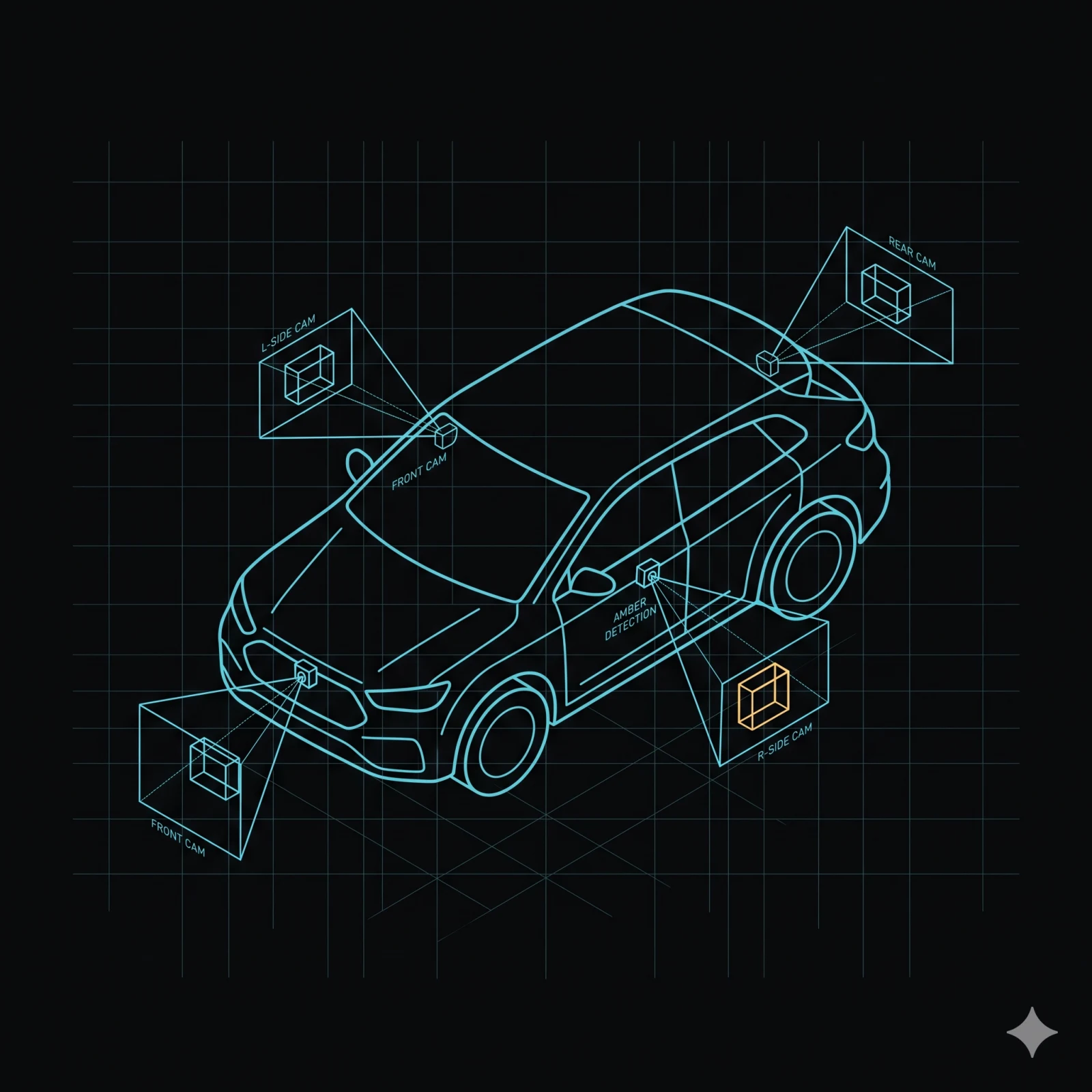
Five camera inputs converge on a shared-memory pipeline. Camera, GPU (Graphics Processing Unit), and NPU (Neural Processing Unit) exchange frames directly — the CPU never copies pixel data. Run five concurrent models plus H.265 encode on a 10-TOPS (tera operations per second)-class device and keep CPU headroom free for your application logic.
MOS4 AI Software Suite
Build, Runtime, and Language — three pillars.
MOS4 AI Software Suite covers Build (AI Funnel) + Runtime (AI Vision, AI Language). AI Vision is the visual-intelligence runtime — camera to NPU with zero CPU pixel copies. AI Language is the text-intelligence runtime — on-device large language model (LLM), grounded retrieval (RAG), and voice.
Key claims
The numbers and design invariants.
Camera capture
Five camera inputs. One unified API.
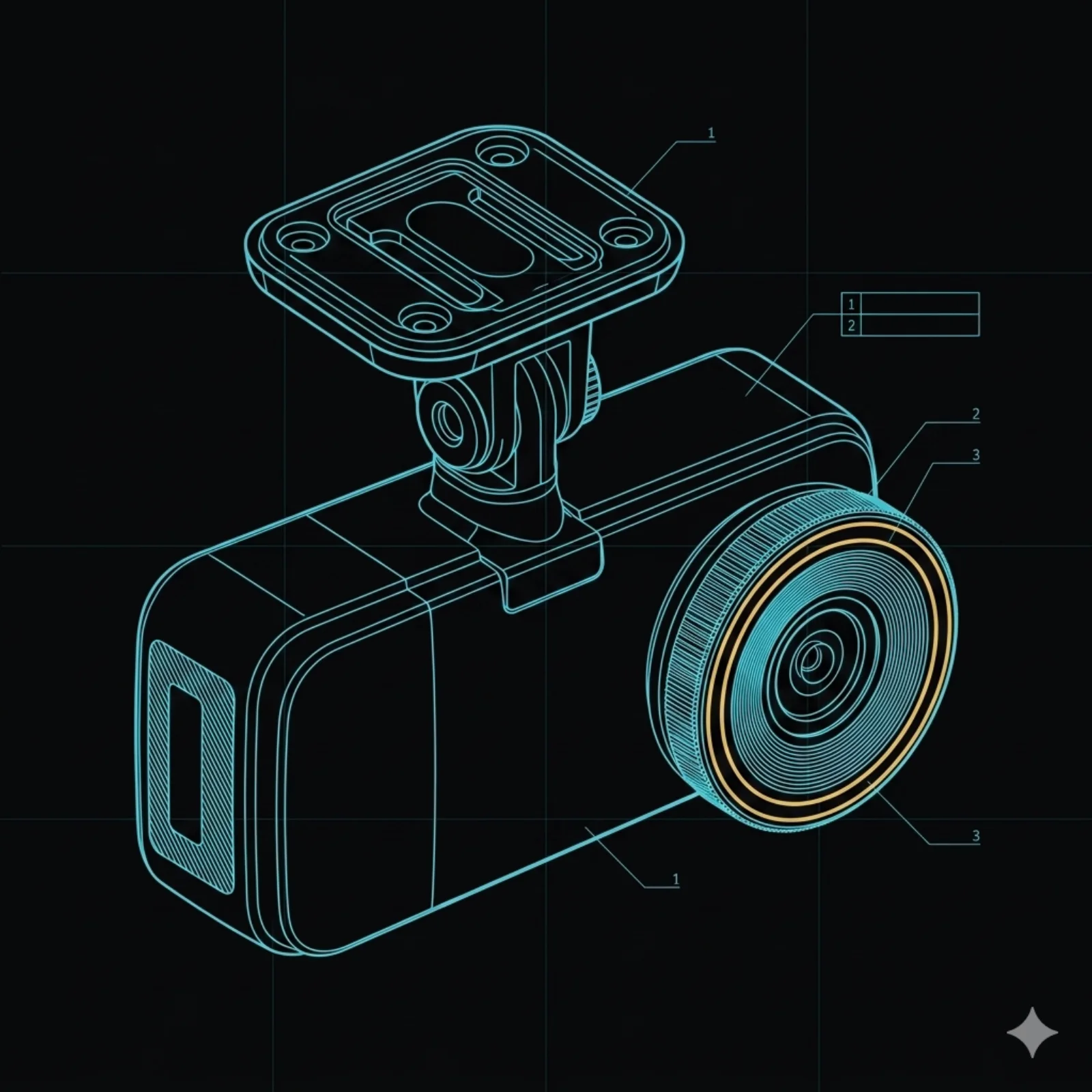
Five camera inputs converge on the same shared-memory frame format. Integrators do not write
per-platform pipelines. Browse the micro service catalog to explore
mos-camera-capture, mos-roi-shader, and mos-ai-runtime.
Architecture
| Input | Silicon backend | Notes |
|---|---|---|
| MIPI-CSI | AI-class / compute-class (direct) | Native MIPI interface; no external bridge |
| GMSL2 | AI-class (vendor multimedia framework) | Serialiser-bridge path; MIPI-CSI direct on the alternate AI-class variant |
| USB UVC | Both | Standard V4L2 UVC class driver |
| Ethernet RTSP/ONVIF | Both | Network cameras; live RTSP streaming available |
| WebRTC | Both | Browser-compatible live streaming path |
Every backend normalises output to the same shared GPU memory frame format before the tee. Five inputs, one entry contract.
Camera-to-consumers data flow on mos-frame v2. The sensor — MIPI-CSI, GMSL2, USB UVC, RTSP/ONVIF, or WebRTC — produces frames into a shared dma-buf pool. The frame plane runs two channels side by side: a UDS admin plane (peer-credential gated) carries control RPCs, and the data plane hands dma-buf descriptors to consumers without copying. The tee then fans the frame out to three consumers without copying: the GPU ROI shader for crop and resize, the dashcam encoder, and the visual + inertial pose tracker. The ROI shader feeds tensor handles to the AI runtime for NPU inference.
flowchart TD
  S[Camera<br/>MIPI-CSI · GMSL2 · UVC · RTSP/ONVIF · WebRTC]
  S --> G[Shared GPU memory<br/>raw frame]
  G --> T[Tee · entry contract]
  T --> R[GPU ROI shader<br/>crop and resize]
  T --> D[Dashcam encoder]
  T --> V[Pose tracker]
  R --> A[AI runtime<br/>NPU inference]
  class A ai-node
  class R ai-node
Scale + dual mode + wear
One to eight cameras out of the box
The shipping runtime supports one to eight cameras per device natively across the five transports. Higher fan-outs are available on study.
Concurrent record + stream + upload
Many camera platforms force a choice between recording locally and streaming or uploading older clips. MOS4 was designed for both at once: live encode to the flash-aware segment sink, RTSP/WebRTC stream, and historical clip upload run on the same shared-memory frame plane without buffer duplication.
Wear-leveled storage
The segment sink is flash-aware: writes are rotated across blocks to extend endurance on premium long-exposure SKUs. Retention policies, protected clips, and the cloud-upload queue all run against the same wear-budget accounting.
Bring a camera and a model — we'll route the pixels.
Frame transport
One frame, many consumers — each at its own rate.
One frame produced; many consumers subscribe at independent cadences. Slow consumers never stall the producer; dropped frames are tracked per topic.
up to 60 Hz
Video
Full-rate frames to the dashcam encoder or any subscriber — capped at 60 Hz. See video use cases.
30 Hz
GPU crop and resize
ROI extraction at the NPU inference rate.
10 Hz
Pose tracking
Visual + inertial pose tracker subscribes on its own cadence — each subscriber independent.
Two-stage detection
Scan the whole frame fast, then re-examine the parts that matter.
Triage detects on the full frame; refined models then re-look only at the regions of interest (ROI). The metadata loop between the AI runtime and the GPU crop carries bounding boxes and a model ID — tens of bytes per detection, no pixel data crosses the bus between stages.
Two-stage detection. The camera publishes the full frame to the AI runtime, which runs triage inference and produces detection bounding boxes with class labels and confidence scores. The runtime then sends bounding-box metadata and a model ID — tens of bytes, no pixel data — to the GPU ROI shader. The shader crops, resizes, and normalises each region and returns a tensor handle per ROI. The runtime then runs the refined inference per ROI.
sequenceDiagram
  participant Cam as Camera
  participant Ai as AI runtime
  participant Roi as GPU ROI shader
  Cam->>Ai: shared frame — full image
  Note over Ai: triage inference<br/>detect bbox + class + confidence
  Ai->>Roi: SelectRois(bbox[], model_id) — tens of bytes
  Note over Roi: GPU crop + resize + normalize per ROI
  Roi-->>Ai: tensor handle per ROI (1:N)
  Note over Ai: refined inference per ROI
Detections publish on the event bus in real time, each carrying its source provenance — which camera, which model — and a per-class confidence floor, so a downstream service consumes only the classes it cares about, above the threshold it sets, the moment the frame is scored.
GPU crop and resize
Same config, same interface — across silicon families.
The GPU ROI shader runs crop, resize, and normalise entirely on the GPU. The framework adapts to hardware internally — integrators see one config and one interface across silicon families. The metadata loop carries bounding box and model ID only — no pixels.
Architecture · per silicon family
AI-class — MIPI-CSI variant
GPU ROI portable. NPU inference via the silicon-vendor delegate. Direct GPU-to-NPU shared memory is not available on this variant; the GPU output tensor is handed to the NPU as a standard tensor.
AI-class — serialiser-bridge variant
GPU ROI portable, plus GPU-to-NPU shared memory for tensor reuse without re-import. Supports up to ~100 TOPS on the AI-class tier.
See supported hardware for silicon-tier details and form factors.
NPU inference
AI runtime: load models by path or bytes.
Load multiple models, run them concurrently, deploy ONNX (Open Neural Network Exchange) or TFLite (TensorFlow Lite) directly. Same-model re-entry is prevented by construction.
API surface
| Method | Description |
|---|---|
| LoadModel | Load a .tflite model by path or bytes |
| UnloadModel | Release a model and its NPU resources |
| RunInference | Accept a shared GPU memory frame as input; returns detection tensors |
| ListModels | Enumerate loaded models with metadata |
Multiple models load and run concurrently; same-model re-entry is impossible by construction. Input is the shared GPU memory frame exclusively — no CPU pixel copy path exists in production code. ONNX models can be auto-converted before deployment.
For the AI pipeline engine, graph scheduling, and Cloud Connect integration, see the AI Funnel.
Visual + inertial pose tracking
Visual + inertial + GNSS (satellite positioning), fused on-device.
Future placement: Visual and inertial odometry content will move to a dedicated /platform/robotics page in a future release. Until that page exists, this content remains here.
Pose tracking fuses camera, inertial, and GNSS (Global Navigation Satellite System). When GNSS is absent indoors, the tracker degrades gracefully; map persistence survives reboots.
The ≤33 ms per-frame figure is from a synthetic 300-frame harness — not a validated real-target benchmark. Real-target timing is pending. Frame the feature accordingly.
Architecture
The visual front-end extracts corner features, computes binary descriptors, and bootstraps tracking with robust outlier rejection. Inertial data is pre-integrated with full covariance; satellite fusion runs via a graph optimiser. No external simultaneous-localisation-and-mapping (SLAM) library dependency.
| Method | Description |
|---|---|
| StreamPose | 6-DOF (six degrees of freedom) pose with covariance — visual-only or visual-inertial fusion |
| GetStatus | Current pose-tracker health and tracking state |
| GetMapStats | Landmark count, keyframe count, loop-closure count |
| SaveMap | Persist the current map to survive a reboot |
| LoadMap | Restore a saved map to bootstrap tracking |
Map persistence survives reboots via atomic file write.
GDPR anonymisation
Live anonymisation, before any frame leaves the pipeline.
An optional anonymisation stage runs in the capture pipeline — before the dashcam encoder and before any downstream consumer. Downstream services receive already-anonymised frames with no additional integration step.
What is anonymised
Faces and licence plates are pixelated in-pipeline. No raw biometric data reaches the encoder or any downstream service.
Pipeline placement
The anonymisation stage sits before the dashcam encoder and before all other frame consumers. There is no post-processing step and no need to coordinate across services.
Boot-time policy
Enabled or disabled via a boot-time configuration flag. Live toggle without reboot is not supported — the pipeline is rebuilt at startup. This keeps policy enforcement auditable and deterministic.
Dashcam integration
The dashcam encoder receives frames that are already anonymised. No extra integration step is required. The same already-anonymised frame reaches every other subscriber on the pipeline.
Observability
14 built-in metrics across the pipeline.
GPU ROI shader — 6 metrics
Calls, ROIs extracted, duration histogram, and 3 others. Integrates with the MOS4 observability pipeline with no per-service instrumentation code.
AI runtime — 8 metrics
Counters, histograms, and a gauge — including an inference-heartbeat watchdog with a 5 s budget. Same zero-instrumentation integration.
FAQ
Frequently asked questions
-
Which camera inputs are supported?
Five: MIPI-CSI (direct on AI-class / compute-class silicon), GMSL2 (AI-class serialiser-bridge path), USB UVC, Ethernet RTSP/ONVIF, and WebRTC. Live RTSP and WebRTC streaming paths are both available.
-
Does the CPU ever touch pixel data?
No, by design. Camera, GPU, and NPU exchange the same shared-memory frame via handle passing. CPU pixel mapping is a spec violation in production builds.
-
Can I run multiple AI models concurrently with video encoding?
Yes. The pipeline is sized to run a full DMS (Driver Monitoring System) + ADAS (Advanced Driver Assistance Systems) workload — five models — plus H.265 encode on a 10-TOPS-class device, with CPU headroom free for application logic.
-
How does GDPR anonymisation integrate?
An optional anonymisation stage pixelates faces and licence plates before frames reach the dashcam encoder or any downstream consumer. Enabling or disabling requires a reboot. Downstream consumers receive already-anonymised frames with no additional integration step.
-
What does the pose tracking timing figure mean?
The ≤33 ms per-frame figure is from a synthetic 300-frame harness, not a validated real-target benchmark. Real-target benchmarking is in progress. The pipeline targets 30 frames per second (FPS).
-
How does Munic verify the AI vision pipeline does not regress?
The AI runtime ships with an end-to-end YOLO behaviour-gate: every change must keep the detection count and the p99 inference latency within the published budget. Tests run on a deterministic input image so a regression caused by a model swap, a runtime upgrade, or a camera-capture change is caught in CI before it reaches a fleet.
Architecture FAQ
Implementation details
-
How does ROI extraction work across silicon families?
The GPU ROI shader imports the shared GPU memory frame, runs letterbox + format conversion on the GPU, and outputs one tensor handle per ROI. The shader is portable across both AI-class silicon variants. One AI-class variant additionally supports direct GPU-to-NPU shared memory so the NPU reuses the tensor without re-import — that path is silicon-specific.
-
What does the pose tracking pipeline look like internally?
The visual front-end extracts corner features, computes binary descriptors, and bootstraps tracking with robust outlier rejection. Inertial data is pre-integrated with full covariance and fused with GNSS (satellite positioning) via a graph optimiser. No external SLAM (simultaneous localisation and mapping) library dependency — the full pipeline is written in Rust.
Bring a camera and a use case.
A live demo on Munic hardware — your office, your vehicle, or your machine. Talk to engineering to match the SoC tier to your latency and compute budget.